Password Generator
Cryptographically Secure // v1.0
Range: 4-64
Range: 1-10
Awaiting input...
How this tool helps
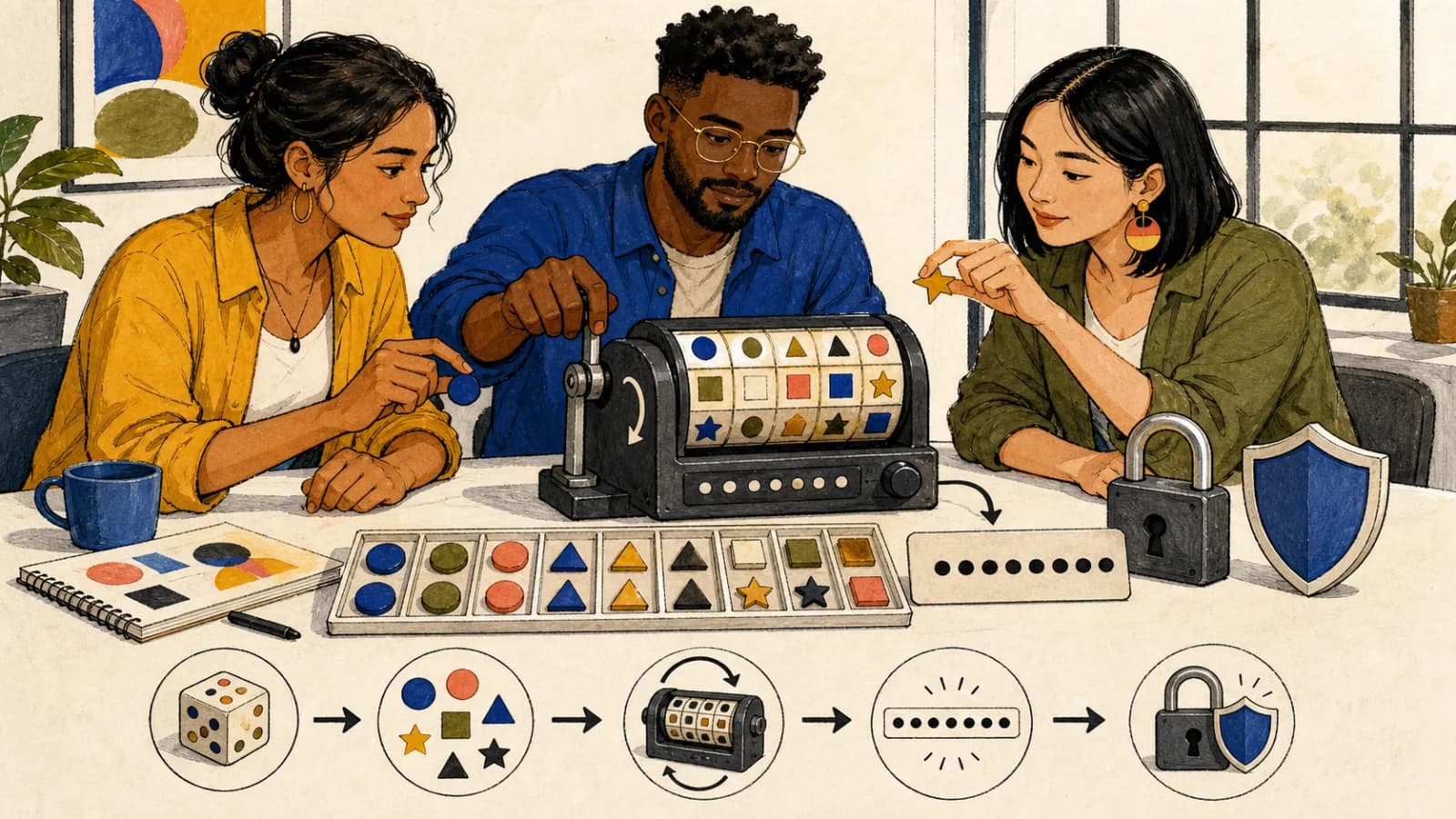
RandomHub builds character-level passwords from whichever categories you enable: 26 uppercase letters, 26 lowercase letters, 10 digits, and 26 supported symbols. Together those four categories form an 88-character pool before filtering. The form accepts a length from 4–64 and a quantity from 1–10. Browser Web Crypto supplies Uint32 values, and rejection sampling maps them to character indexes without modulo bias. A generated candidate is accepted only when it contains at least one character from every enabled category; otherwise the candidate is redrawn. The optional ambiguity filter removes I, l, 1, O, 0, o from their letter and digit categories. The displayed bit estimate follows floor(log2(valid candidate count)), where the valid count includes the enabled-category requirement. It is therefore not a simple length-times-pool calculation.
Web Crypto selection
Every enabled category appears
Constrained candidate-count estimate
What is a random password generator?
RandomHub builds character-level passwords from whichever categories you enable: 26 uppercase letters, 26 lowercase letters, 10 digits, and 26 supported symbols. Together those four categories form an 88-character pool before filtering. The form accepts a length from 4–64 and a quantity from 1–10. Browser Web Crypto supplies Uint32 values, and rejection sampling maps them to character indexes without modulo bias. A generated candidate is accepted only when it contains at least one character from every enabled category; otherwise the candidate is redrawn. The optional ambiguity filter removes I, l, 1, O, 0, o from their letter and digit categories. The displayed bit estimate follows floor(log2(valid candidate count)), where the valid count includes the enabled-category requirement. It is therefore not a simple length-times-pool calculation.
Who is it for?
People creating account credentials
Choose only the categories accepted by the destination, generate the required length, and check the service rules before use.
Developers and administrators
Create temporary test values or new service credentials while keeping the selected options documented with the task.
People transcribing a generated value
Remove visually ambiguous letters and digits when a password must be read from one device and typed on another.
Why use this generator
Web Crypto selection
Character indexes come from Uint32 Web Crypto values through rejection sampling rather than biased direct modulo.
Every enabled category appears
Candidates are checked and redrawn until uppercase, lowercase, digits, or symbols selected by the user are each represented.
Constrained candidate-count estimate
Strength is reported as floor(log2(valid candidate count)), accounting for the category-coverage rule and ambiguity filter.
Practical examples
Create a website credential
Review the site policy first, then enable only allowed categories and choose a length within both the site rule and the 4–64 control.
Policy allows all four categories → choose length 20, quantity 1, generate, then verify that the destination accepts every included symbol.
Make a readable handoff value
Use the ambiguity filter when the result must be transcribed, while recognizing that filtering changes the candidate count.
Temporary display credential → length 16, uppercase + lowercase + digits, exclude I, l, 1, O, 0, o, then copy the final value once.
Prepare several test accounts
Use the quantity control to create separate candidates under one shared option set instead of reusing one password.
Five test users → length 18, quantity 5, approved categories enabled; assign one distinct generated result to each fixture.
How to use it
- 1.
Set length and quantity
Choose a whole-number length from 4–64 and a quantity from 1–10.
- 2.
Choose character categories
Enable uppercase, lowercase, digits, and symbols as needed; at least one category must remain enabled.
- 3.
Choose the ambiguity filter
Optionally remove I, l, 1, O, 0, o when visual distinction matters.
- 4.
Generate, review, and copy
Generate the candidates, review the shown options and strength label, then use an individual or copy-all control.
Frequently asked questions
How large is the full character pool?
All four enabled categories contain 88 characters: uppercase A–Z, lowercase a–z, digits 0–9, and 26 listed symbols.
Does every enabled category appear?
Yes. A candidate missing any enabled category is rejected and generated again; this constraint also changes the number of valid candidates.
How is the bit estimate calculated?
The meter uses floor(log2(valid candidate count)). The count includes length, enabled pools, the category requirement, and the ambiguity filter.
What limits and ambiguity choices apply?
Length is 4–64, quantity is 1–10, and the optional filter removes I, l, 1, O, 0, o.
About generated password candidate spaces
A generated password is best understood as one member of a precisely defined candidate space. Here that space is determined by length, enabled character categories, the optional ambiguity filter, and a rule requiring every enabled category to appear. The unfiltered union contains 88 characters, but selecting fewer categories or excluding I, l, 1, O, 0, o changes the available pools. Because candidates missing a required category are rejected, the correct count is smaller than taking the combined pool size to the chosen length. RandomHub therefore reports floor(log2(valid candidate count)) rather than multiplying length by a pool logarithm. Web Crypto supplies Uint32 draws and rejection sampling avoids favoring lower character indexes. The result still has to satisfy the destination service: check its minimum, maximum, required categories, and permitted symbols. A strength estimate describes this generation space; it does not assess reuse, exposure, phishing, endpoint security, rate limits, or the service’s password hashing.
Related Random Tools
Related Random Tools
Continue with tools that match the same planning, classroom, writing, or game workflow.